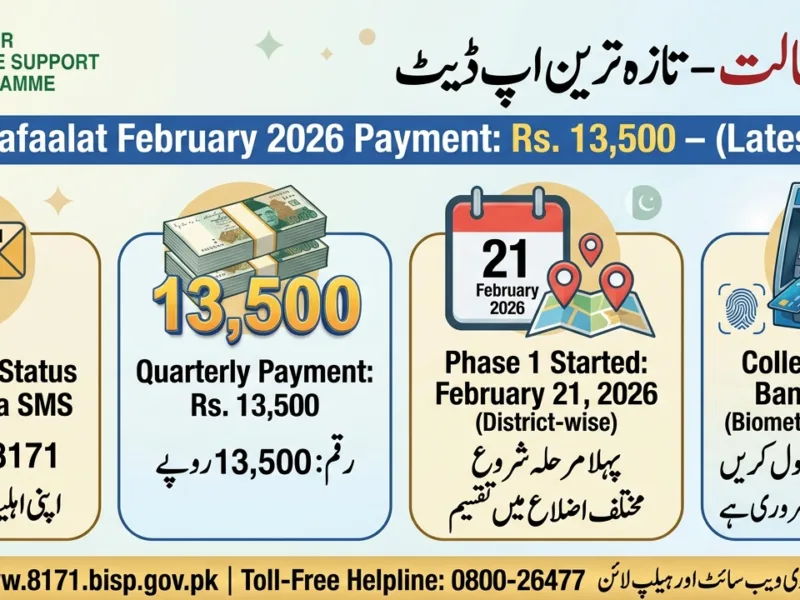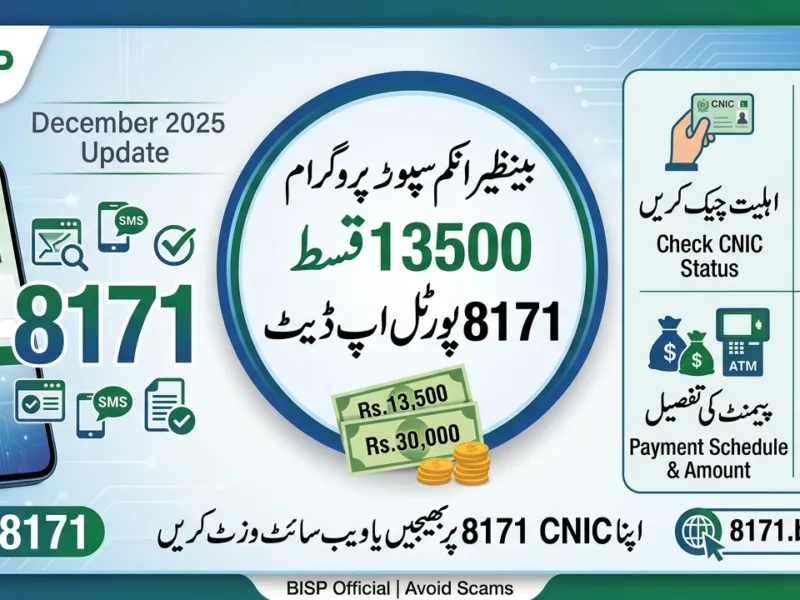
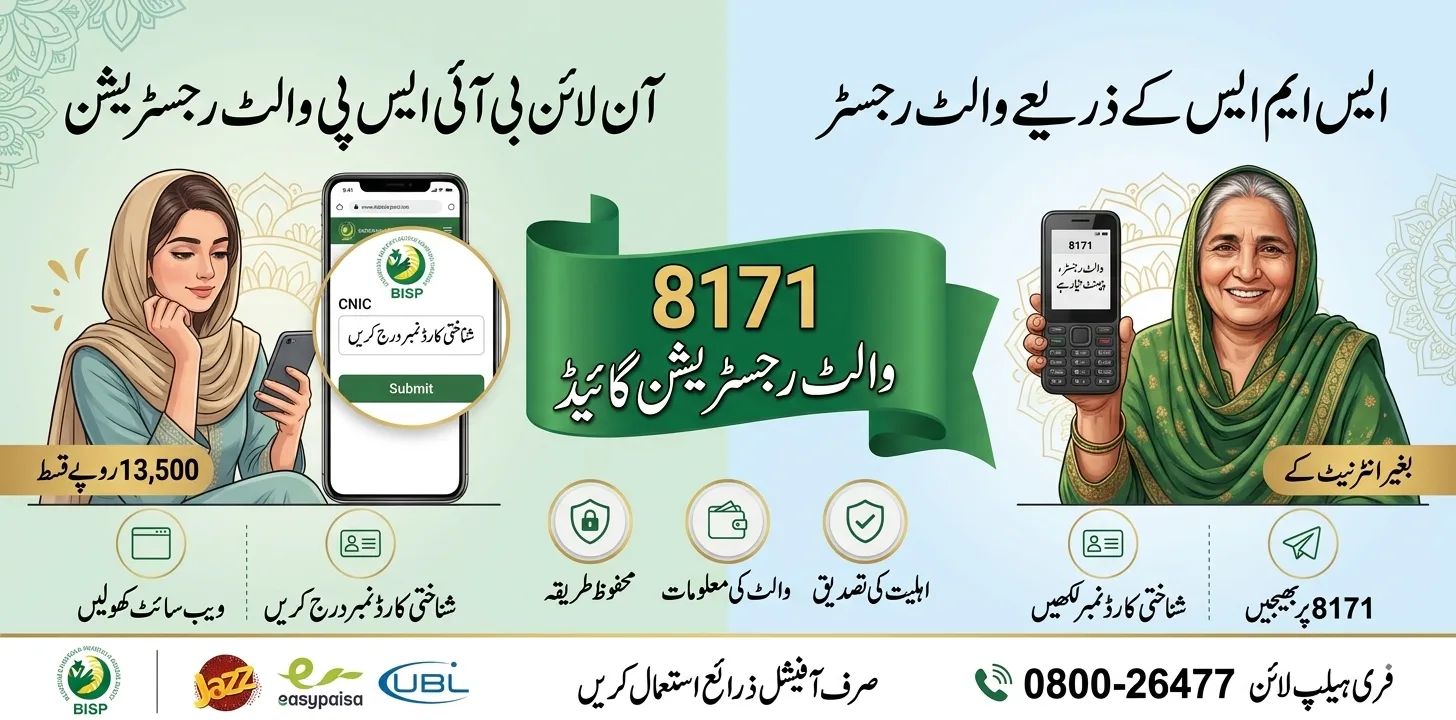
The BISP Wallet SIM 8171 registration is Pakistan’s newest digital payment upgrade under the Benazir Income Support Programme (BISP) that allows eligible women to receive their Rs. 13,500 quarterly payment directly into a JazzCash, Easypaisa, or UBL Digital Wallet , no more long queues at payment camps or middlemen deductions. In 2025, the Government of Pakistan rolled out this system to promote digital financial inclusion and give millions of low-income families across Pakistan direct, secure, and instant access to their Benazir Kafalat funds. This complete guide covers eligibility, registration steps, wallet activation, payment withdrawal, and fraud protection.
What Is the BISP Wallet SIM and How Does It Work?
The BISP Wallet SIM is a mobile-based digital wallet that is linked directly to a beneficiary’s CNIC and registered SIM card. Once activated, your quarterly BISP installment is transferred automatically into your mobile wallet account instead of being distributed at a physical camp or bank branch.
The system runs on three major platforms depending on your region: JazzCash (*786#), Easypaisa (*786# / app), and UBL Digital Wallet. After activation, you receive an SMS from 8171 confirming every payment deposit.
Before this system, beneficiaries had to travel long distances, stand in crowded queues, and deal with unauthorized agents who sometimes deducted fees. The digital wallet removes all these barriers and puts money directly in your hands , anytime, anywhere.
| Old Payment System | New Wallet SIM System |
| Long queues at payment camps | Payment credited directly to mobile wallet |
| Risk of agent deductions | Zero deductions – full amount received |
| Travel costs for rural women | Withdraw from any nearby agent or ATM |
| Delayed or missing payments | Instant SMS notification on deposit |
| No financial record or receipt | Digital transaction history maintained |
Who Is Eligible for BISP Wallet SIM 8171 Registration?
Not every BISP beneficiary is immediately enrolled in the Wallet SIM system. You must meet all of the following conditions:
- You are an active beneficiary of the Benazir Kafalat Program
- Your CNIC is valid and updated with NADRA
- Your SIM card is registered on your own CNIC (not a husband’s or relative’s name)
- You have received at least one BISP payment in the past year
- You have completed the NSER Dynamic Survey and are verified in the system
- Your district has been included in the current Wallet SIM rollout phase
Important: If your SIM is registered under someone else’s name, you must first visit the mobile company franchise (Jazz, Telenor, Zong, or Ufone) and transfer SIM ownership to your own CNIC before registration.
Documents Required for BISP Wallet SIM Activation
| Document | Purpose | Where to Get It |
| Original CNIC | Identity and BISP record verification | NADRA office |
| CNIC-registered SIM | Wallet linking and OTP verification | Mobile franchise in your CNIC name |
| NSER Registration Slip | Confirms BISP enrollment | BISP Tehsil Office |
| Biometric Fingerprint | NADRA-verified identity confirmation | BISP agent or NADRA center |
How to Register for BISP Wallet SIM 8171 – Step-by-Step Process
Step 1 – Confirm Your Eligibility via SMS
Before visiting any office, first confirm your eligibility. Open your phone’s SMS app, type your 13-digit CNIC number (no dashes), and send it to 8171. Wait for the official reply. If it says “Eligible for Wallet SIM Activation”, you can proceed to the next step.
Step 2 – Ensure Your SIM Is Registered on Your CNIC
Your SIM must be in your own name. If not, visit any Jazz, Telenor, Zong, or Ufone franchise with your original CNIC and request a SIM ownership transfer. The government is also distributing 10 million free SIMs for BISP beneficiaries in selected districts , ask your local BISP office for details.
Step 3 – Visit a BISP-Authorized Agent or Office
Go to your nearest BISP Tehsil Office, JazzCash agent, Easypaisa agent, or UBL Digital Wallet point. Tell the representative you want to activate your BISP Wallet SIM.
Step 4 – Complete Biometric Verification
The agent will verify your identity using your CNIC and NADRA fingerprint scan. Make sure your fingerprints are clear and updated in NADRA. If biometric fails repeatedly, visit your nearest NADRA office to update your fingerprint data first.
Step 5 – Wallet Activation Confirmation
Once verification is successful, your BISP Digital Wallet is created automatically. You will receive an SMS from 8171 confirming activation. From the next payment cycle, your Rs. 13,500 installment will be transferred directly into your wallet.
Note: Do NOT open a regular JazzCash or Easypaisa account on your own before BISP instruction. This can block your official BISP wallet from being linked. Always wait for the 8171 SMS guidance before activating any wallet.
How to Withdraw Your BISP Payment from the Digital Wallet
Once your Rs. 13,500 is credited to your wallet, you can access it in three easy ways:
| Withdrawal Method | How It Works | What You Need |
| JazzCash/Easypaisa Agent | Visit nearby agent, provide CNIC, get cash | Original CNIC + biometric verification |
| USSD Code | Dial *786# or *247# on your registered SIM | SIM registered on CNIC + PIN |
| ATM (CNIC Biometric) | Use CNIC fingerprint at partner bank ATMs | Original CNIC + biometric scan |
| Mobile App | Log in to JazzCash/Easypaisa app, transfer or withdraw | Smartphone + app + CNIC number |
Receiving your BISP payment is always free of charge. However, standard fees may apply for wallet-to-wallet transfers or bill payments , these are unrelated to BISP.
Wallet USSD Codes & App Guide for BISP Beneficiaries
| Platform | USSD Code | App Name | Balance Check |
| JazzCash | *786# | JazzCash App (Play Store) | Open app → My Account → Balance |
| Easypaisa | *786# | Easypaisa App (Play Store) | Open app → My Wallet → Balance |
| UBL Digital Wallet | *786# | UBL Digital App | Login with CNIC → Check Balance |
Common BISP Wallet SIM Problems & Their Solutions
Problem 1 – Biometric Verification Failing
- Your fingerprint may be unclear or outdated in the NADRA system
Solution: Visit your nearest NADRA office and request a biometric update. After updating, try wallet activation again at a BISP agent.
Problem 2 – SIM Not Registered in Your CNIC Name
- If SIM is in a husband’s or parent’s name, the wallet cannot be linked
Solution: Visit the mobile company franchise with original CNIC and transfer SIM ownership to your own name.
Problem 3 – Payment Not Appearing in Wallet After Activation
- Your wallet activation may have just completed , next cycle deposits the payment
- District-wise rollout may not have reached your area yet
Solution: Send your CNIC to 8171 again via SMS to recheck your status. If the problem persists, call the BISP helpline: 0800-26477 (toll-free).
Problem 4 – Wallet Blocked or Showing Error
- Opening an unofficial JazzCash/Easypaisa account before BISP instruction may block your wallet
Solution: Visit your BISP Tehsil Office immediately and request wallet re-linking. Do not attempt multiple unauthorized activities.
Fraud Alert – Protect Your BISP Wallet in 2025
Scammers are increasingly targeting BISP Wallet SIM users. Stay alert and follow these safety rules at all times:
- Only 8171 is the official BISP number. Ignore all SMS from other numbers about payments.
- BISP wallet registration is always FREE. Never pay anyone to activate your wallet.
- Never share your CNIC, OTP, or wallet PIN with anyone , not even someone claiming to be a BISP agent.
- Do not click on links sent via WhatsApp or SMS claiming to offer BISP wallet registration.
- Always use official franchise locations of Jazz, Easypaisa, or UBL for wallet services.
- Report suspicious calls or messages immediately to the BISP helpline: 0800-26477.
Final Thoughts
Having looked at the BISP Wallet SIM 8171 registration system in detail, it is clear this is one of the most meaningful welfare upgrades Pakistan has seen in years. The shift from crowded payment camps to a direct mobile wallet is not just about convenience , it is about giving millions of deserving women dignity, privacy, and real financial control.
What makes this system stand out is how inclusive it is. You don’t need a bank account, a smartphone, or even internet access. A basic mobile phone with a CNIC-registered SIM is enough to receive your Rs. 13,500 quarterly payment through a USSD code like *786#. This reaches women even in the most remote villages of Pakistan.
The biggest challenge I see is fraud awareness. Many women in rural areas are not aware that scammers are actively impersonating BISP agents. The government must continue its awareness campaigns, and every beneficiary should remember one simple rule: if anyone asks you for money, an OTP, or your CNIC over the phone , it is a scam.
If you are an active BISP beneficiary, I strongly encourage you to check your eligibility today via 8171 SMS, confirm your SIM is registered on your own CNIC, and visit your nearest BISP or JazzCash/Easypaisa agent to activate your wallet. Don’t miss out on a system that was built entirely to make your life easier.
Frequently Asked Questions (FAQs)
Q1. What is the BISP Wallet SIM and why was it introduced?
The BISP Wallet SIM is a mobile digital wallet linked to your CNIC that allows you to receive your Rs. 13,500 BISP Kafalat payment directly on your mobile phone. It was introduced to eliminate payment agent fraud, reduce travel costs, and promote digital financial inclusion for women across Pakistan.
Q2. Which networks support the BISP Wallet SIM?
The wallet currently operates through JazzCash, Easypaisa, and UBL Digital Wallet; the platform assigned depends on your district and BISP’s rollout plan.
Q3. Is BISP Wallet SIM registration completely free?
Yes. Registration and wallet activation are 100% free. You do not need to pay any agent, franchise, or BISP representative. If anyone asks for a fee, report them immediately.
Q4. What if my SIM is not registered in my own name?
You must visit the mobile franchise of your network provider (Jazz, Telenor, Zong, or Ufone) with your original CNIC and request a SIM ownership transfer before wallet activation can take place.
Q5. How do I know when my BISP payment has been deposited?
You will receive an automatic SMS from 8171 stating: “Your BISP Kafalat payment has been deposited in your Wallet SIM account.” You can also check your balance using the USSD code *786# or the JazzCash/Easypaisa app.
Q6. Can I withdraw my BISP wallet payment without a smartphone?
Yes. You can withdraw cash by visiting any JazzCash or Easypaisa agent with your original CNIC. The agent will process your withdrawal using biometric fingerprint verification , no smartphone required.
Q7. What should I do if my wallet shows payment but I cannot withdraw?
Try withdrawing at a different agent location first. If the problem continues, call the BISP helpline: 0800-26477 (toll-free) or visit your nearest BISP Tehsil Office for assistance.
Q8. Can men or male household members register for the BISP Wallet SIM?
No. The BISP Kafalat program and Wallet SIM are exclusively for registered women who are the primary beneficiaries. The wallet must be registered on the woman’s own CNIC and SIM card.
Read More: How to Check BISP Payment Status by CNIC February 2026 – Complete & Updated Guide